
jungleNZ
-
Posts
424 -
Joined
-
Last visited
-
Days Won
43
Content Type
Profiles
Forums
Events
Downloads
Everything posted by jungleNZ
-
@Jus61Where you find that? Is it in configs section or was it removed? Nevermind. See you just created it. Lol.
-
Try this. Did it for when originally came out. Not sure if still works or needs updating. roadtoeden - Windows.xml
-
Make sure nothing is running (look in task manager for miscreatedserver.exe), close if there.
Do not run from tcadmin but goto one of the gameservers you have created. Goto Bin64_dedicated and click on miscreatedserver.exe, see if it loads up this way or still gives error.
-
What actual error do you get? Can you post screenshot.
-
Try my one and see if works. Only thing different from mine to yours is the variables are on yours. miscreated - Windows.xml
-
Servers work. No problem with config from here. post up your config.
-
Something I had an issues with, other may/may-not have: I used the config LFA made to run servers. Games were not showing on in-game browser list but you could connect using IP etc... Found the ports for query and steam need to be read in commandline (overwrites to default 27003 etc..). Add this to your commandline if you have or had issues. --port $[Service.GamePort] --query-port $[Service.QueryPort] --steam-master-port $[Service.CustomPort1] --steam-query-port $[Service.CustomPort2] This will allow games to show in browser list.
-
Have they release server files? Thought they only gave GPortal access.
-

-
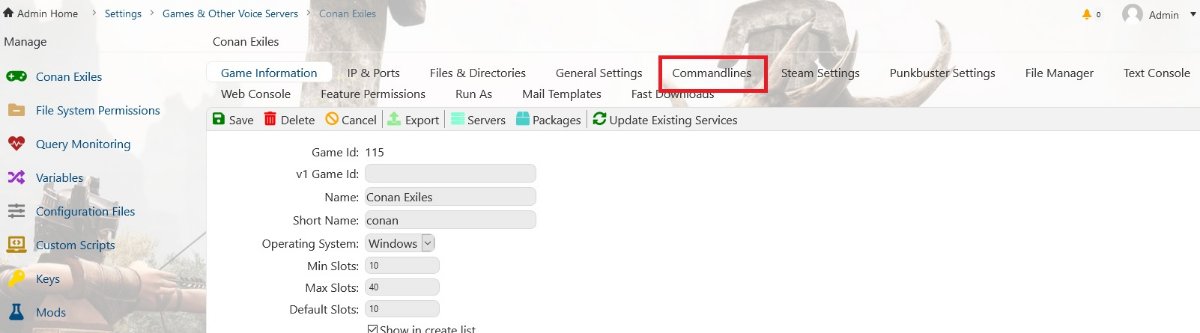
try this: https://forums.funcom.com/t/hosting-a-dedicated-server-for-isle-of-siptah/136857 Here is my adjusted config below: If you want to change to new DLC you select through Commandline Button. conan - Windows.xml
-
Search has it. (windows, not sure linux)
-
You don't need to send rcon commands. Adjust settings in your config file prior to starting server. (One day the config editor might be added to openTTD when time avails) Hope this answers your question.
-
@revivedguy - thank you. Solved it. @LFA - cheers
-
Where and how do I do that? Why has it changed from being normal (working) to having to make it editable. Also is there a fix so text editor button shows as well as config button? Thanks
-
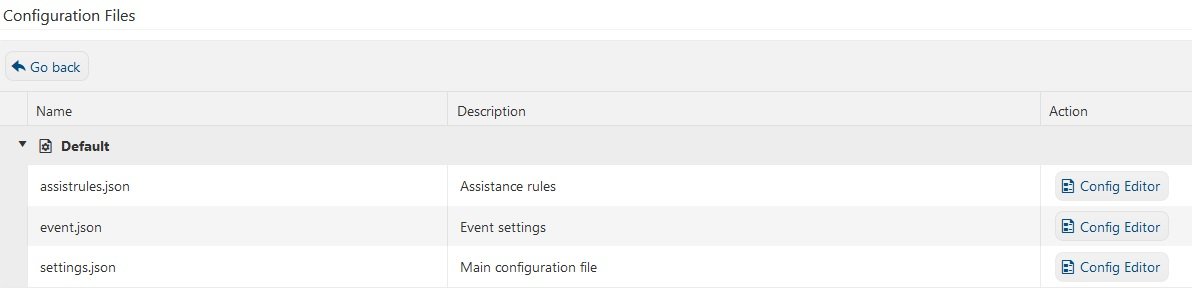
Just loaded up a 7D2D server and nothing shows in the config section. The xml file cannot be adjusted unless through file manager.
-
New update .151, I have issue in configuration section. It is either showing only text editor or config editor button for clients. It use to show both. Is there a new setting to turn on. Using latest default tcadmin page etc...
-
Nice job finding issue.
-
Are the game files in your tcadmin/games folder? Steamcmd the files to your folder. Then try config.
-
Are you running through a router - if so are the ports open on it.
-
Here is a basic one (windows). Adjust settings in config to suit and save. Restart or start server once done. OpenTTD - Windows.xml
-
How does one link to AWS S3 bucket to allow backups? Are there any detailed instructions, I am a bit lost. Cheers
-
Yeah fixed it - with a hammer. Game drive crapped out. TCAdmin back to normal. The joys of servers.
-
Nevermind (can delete this post if wanted to) Seems a hard drive has crashed.
-
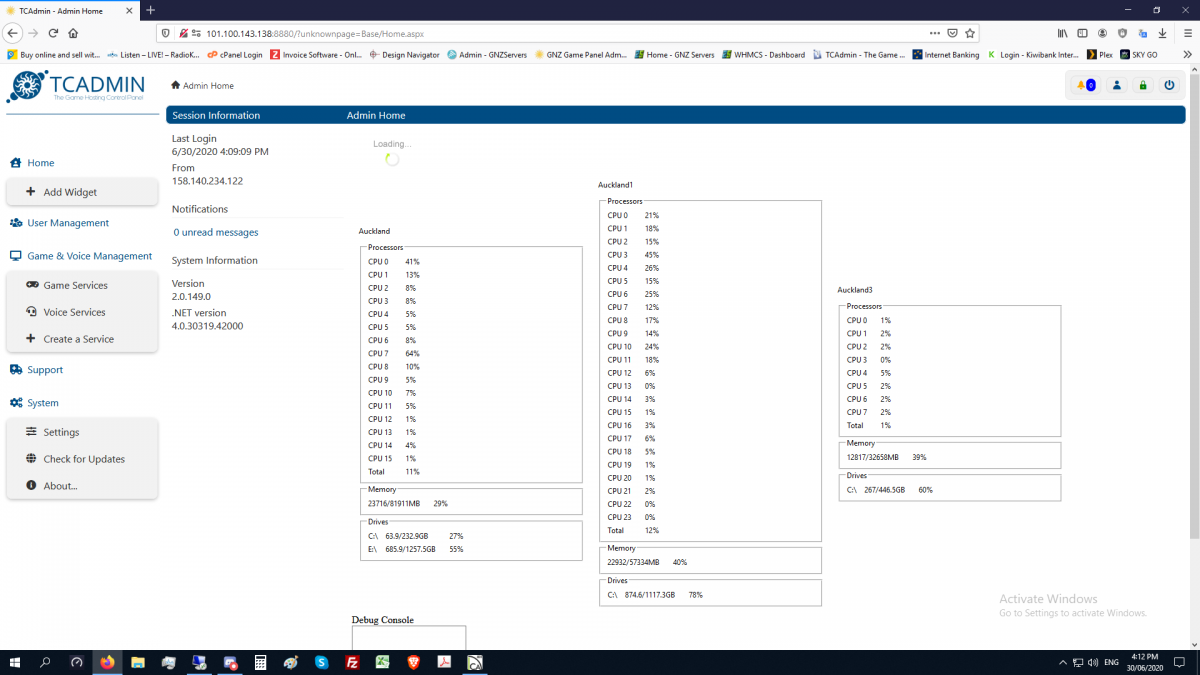
Was working fine 2 hours ago, had nice bar graphics, now only numbers. Also my text fonts seem to have changed, everything gone astray. Was there an update to the NexT - Light version? I run the normal available formats. Firefox (will try another browser) .
-
Is there a problem with the original config not working? What does it do? Unless there have been major changes by dev's orig config should work.