
sparky81
-
Posts
170 -
Joined
-
Last visited
-
Days Won
6
Content Type
Profiles
Forums
Events
Downloads
Everything posted by sparky81
-
I have now taken over this config. Made lots and lots of changes. So i can keep up with updates, i will be posting the config on my own account and credits will be given to @jungleNZ for his work so far. Once i do release the config. You will need to replace all running ark servers to this new config.
-
@jungleNZ Can ya send me the first config ya did. Some stuff in that one that did work very well that's not in your new one. Ill give it a fast update to how i had mine and ill send it ya back for ya to take a look and update the one you have now or just pass on it lol
-
That is correct. It needs -crossplay and -ServerPlatform=all for PC, Xbox and PS That is how the commandline needs to be.
-
Yes dude. My kids are on PS5 and im on PC and all works. Just a heads up, some of the settings you have in ASA do not work for this version meaning some things that was in ASE wont work for ASA like events in the commandline. That needs to be set as a Mod ID not a command event. Also some settings was missing like speed leveling and stuff like that. Iv made loads of changes in the one i have lol The last event to feature this option was ARK: Winter Wonderland 7. Note: If you don't want to activate the event, but still want the wild creatures to have the event colors, use the option ActiveEventColors from Dynamic Config instead. ARK: Survival Ascended: Obsolete, use -mods argument instead. Adding ActiveEvent= in the GameUserSettings.ini file has no effect.
-
Yeh iv done it my end dude
-
I cant see the server nor connect to it.
-
Can this crossplay with PS and Xbox @jungleNZ ? p.s yes im back haha
-
Dude iv ran 250+ server with this config. Its the same setup as ark seems as the game is the same code.
-
That is telling me you have no IP's for the grids?
-
You just make 1 servers for each grid and the ports auto pop. The map grids have to match the IP'S AND PORTS in the grid editor and the servers. And the crash crossing boraders is down to him not setting up the redis database right..
-
Iv just setup test servers and they work without any issues. Make sure all ports are 10 apart as in the config. Make sure your redis database is running too or no servers will boot.
-
You don't need a tool to make all the servers. Just make the amount of servers you want then just link em all up together.
-
You should not do something like that. You need to setup a vps/dedicated servers for your panel only! Your panel will control all other server therefor. Id never mix cpanel or tcadmin together.
-
send me your logs
-
What does your logs say?
-
@Gotteshand Iv been away for some time working on a project of mine. Im now back in the forums as my game is near release now so ill be here making configs again and updating others. Ill take a look at this as soon as i can.
-
Added support for steam workshop. Players Exclusive Join List config from panel. Support added for upto 121 grids (11x11 dedicated server) and more. Tradewinds Custom & Default Variables added. Please delete other version with this one 1.2.1
-
I will look at it and update it
-
I will look into it pal. But no matter if you update the server should work. Whats in your logs?
-
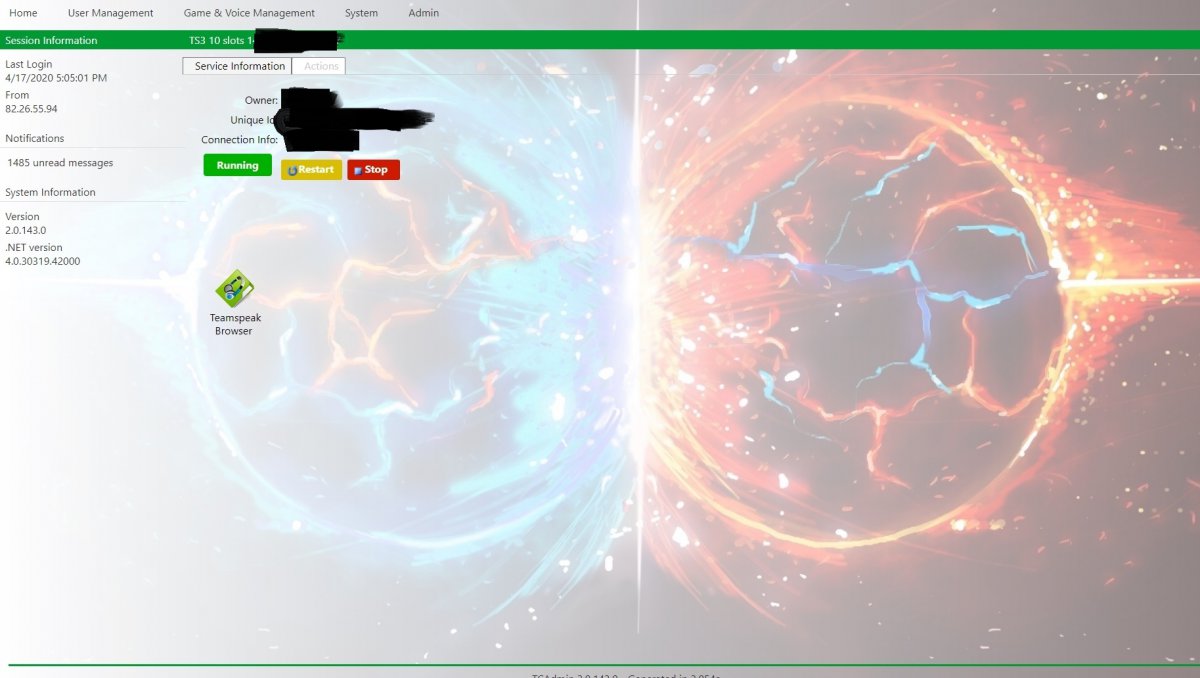
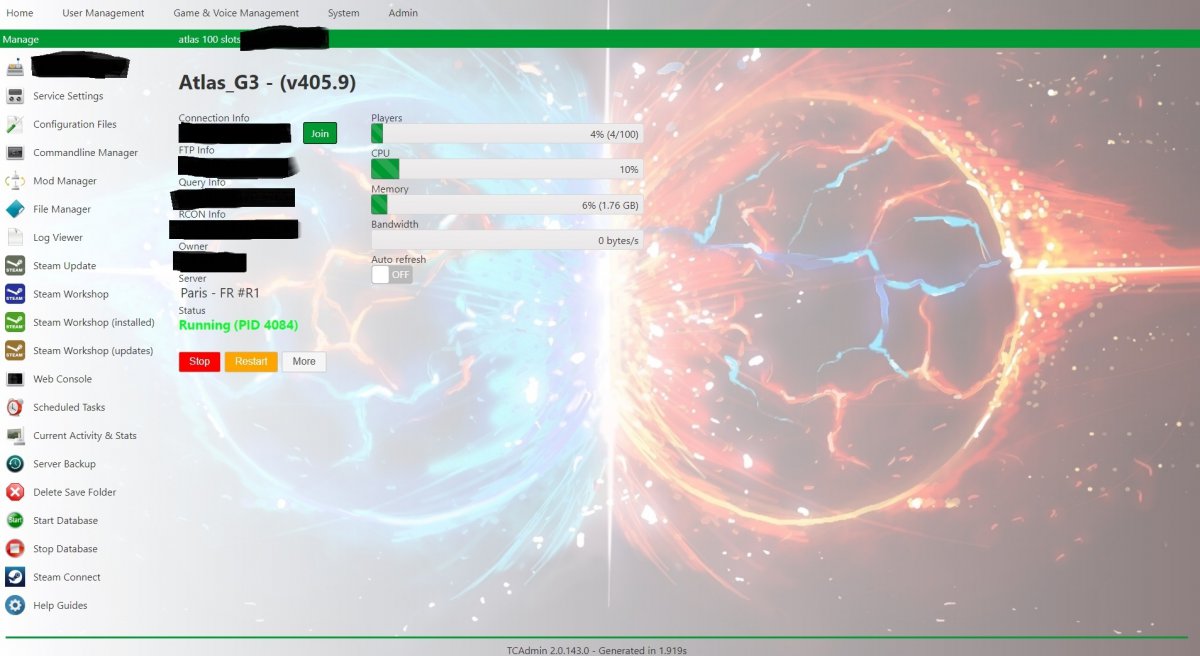
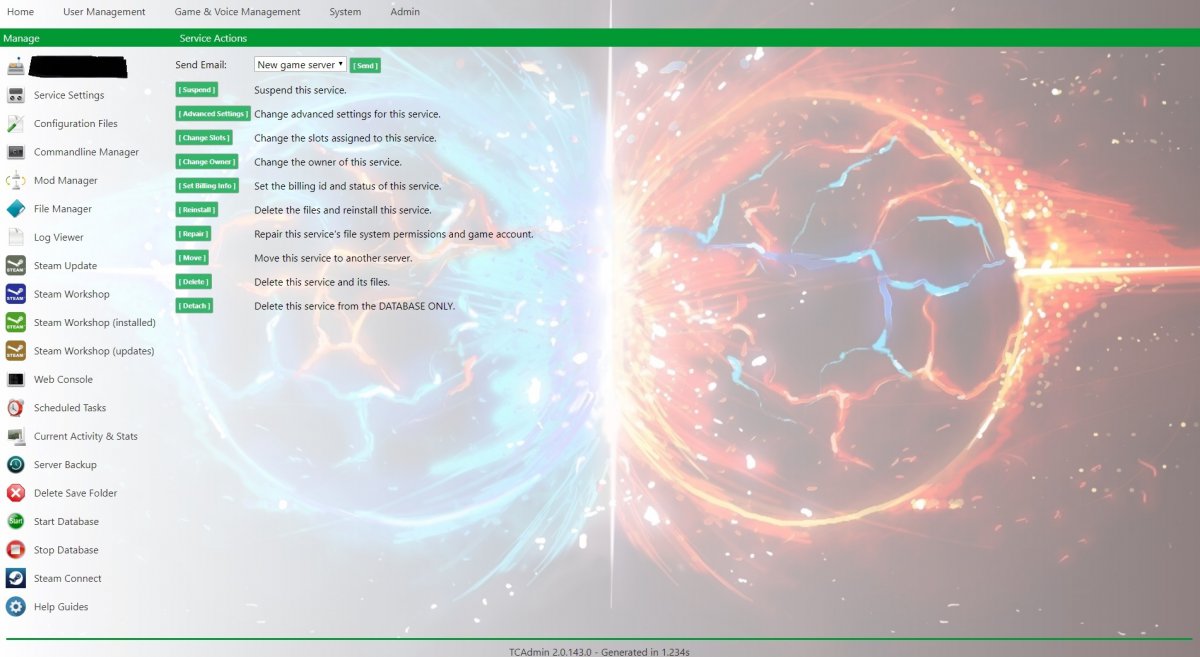
View File Lantern Theme I am proud to are proud to announce The TCAdmin Lantern Theme. To install.. Settings/Themes/import This theme will be updated over time but as it stands it is a finished theme. Please enjoy and if you have any issues then leave a comment and ill get back to you. Don't forget to give my files a like as this is away of a thanks for my work. Submitter sparky81 Submitted 4/19/2020 Category Themes
-
Starting to come together now ?

-
Thanks man ?
-
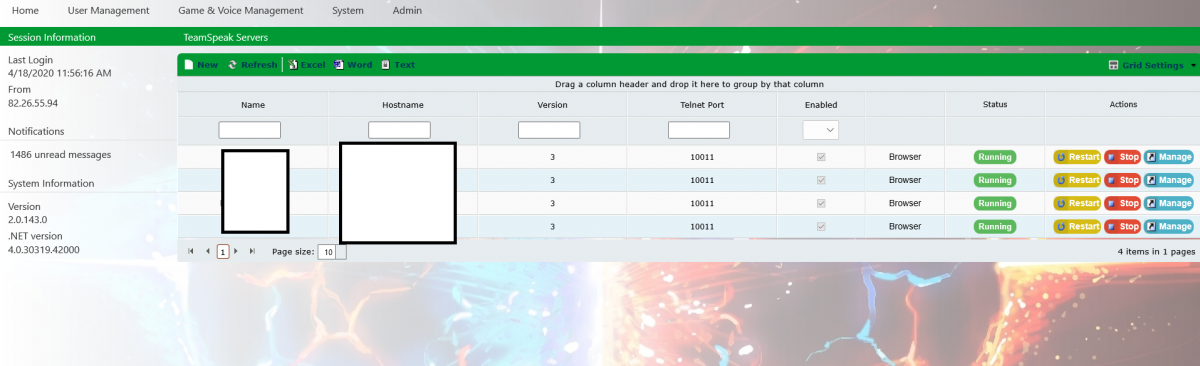
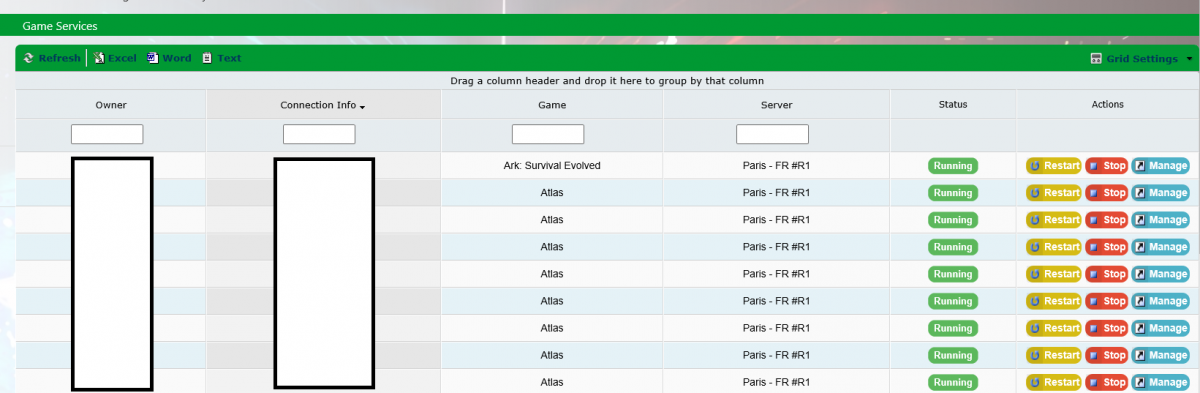
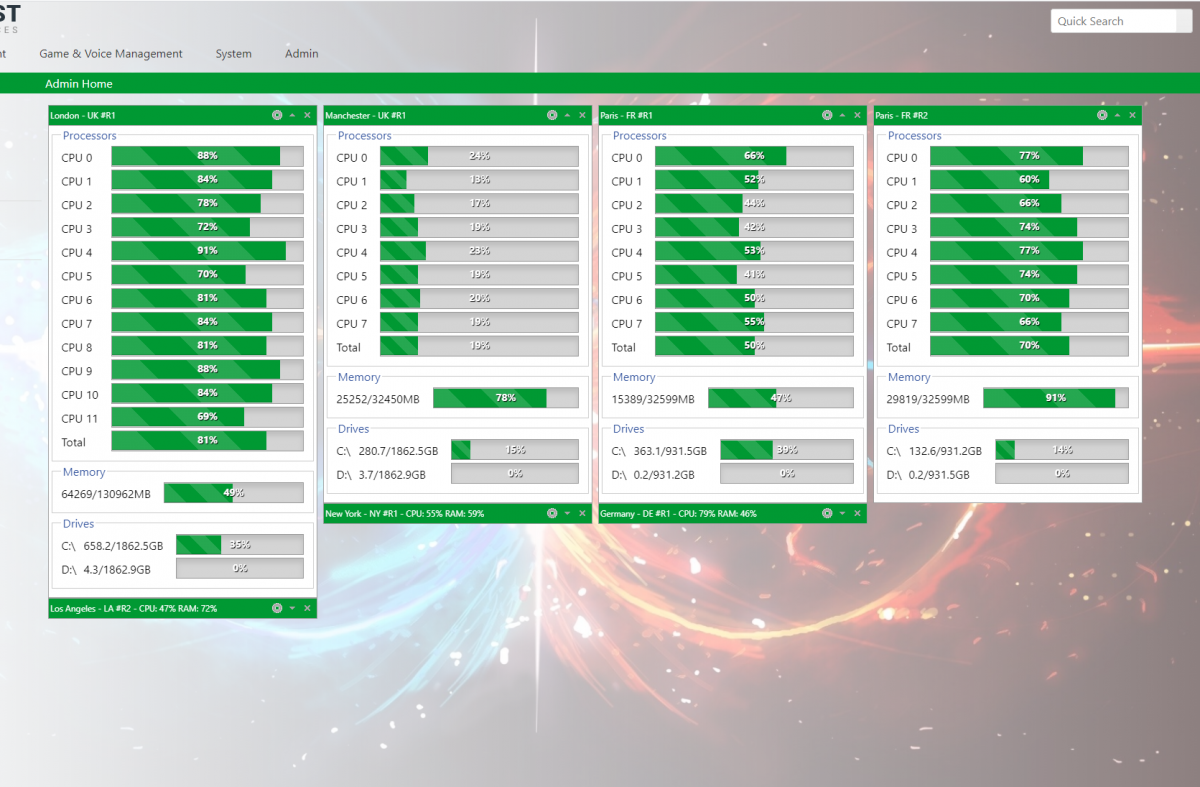
This is a public theme i will make available once completed. I will be posting updates for anyone who wants to follow the progress of this theme. Its is far from completed and i'm open to suggestions to what the theme might need. Please be kind i am making this for the TCAdmin community ?. f025745cbea9fa2178979811f2a82189.mp4
-
When setting up more than 1 grid then alls you need to do is run 1 redis database from 1 of the servers. the map files should piont to the 1 database, put all same map files in all of the servers. start them up and bang you have more that 1 grid ?
-
Thank you @jungleNZ